OriginMan Quick Start
Let's start using OriginMan!
Power On
(1) Turn on the main power switch. You can observe that the power light on OriginMan's back expansion board and the RDK X5 power indicator light up, while OriginMan's chest begins to glow white.
(2) After waiting 10 seconds, you'll see OriginMan's chest light ring change from white to colorful, followed by OriginMan saying "Hello, I'm OriginMan". These actions indicate that OriginMan has successfully started up.
Remote Connection
(1) Launch MobaXterm and remotely log in to OriginMan
(2) Enter username and password: root (username), root (password)
(3) Remote login successful
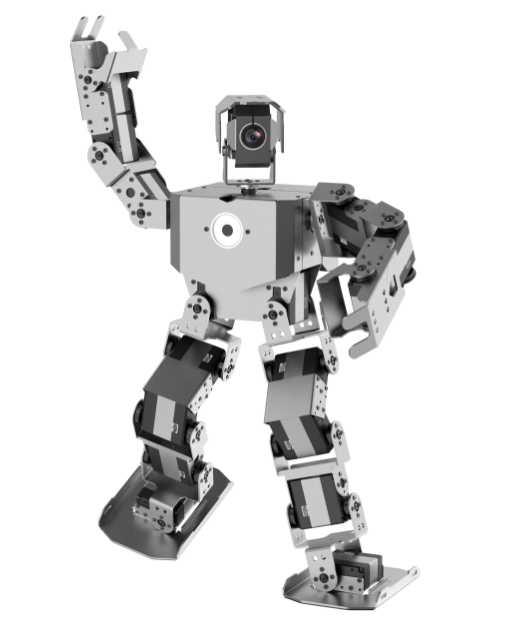
Running Example (Dancing with the Robot)
After having the robot imitate your actions, it's your turn to learn from the robot.
After successful SSH connection, enter the following command to operate OriginMan:
python3 /userdata/dev_ws/src/originman/originman_pydemo/action_dance.pyPower Off
If you need to shut down the robot, you can enter the following command in the terminal to close the software system:
$ haltAfter waiting about 5 seconds, you can turn off the power switch on the robot controller, and the robot shutdown is complete.